
Smart accounting meets digital debt collection
Debtist & Lexware Office: The perfect combination for your finances
Outstanding invoices are a daily reality for many companies. Despite tidy accounting and clear processes, payments can still fail to arrive. That is when the real effort begins. Manual follow-up, lack of visibility and delayed incoming payments cost not only time, but above all liquidity.
The combination of Lexware Office and Debtist addresses exactly this. While your accounting runs automated in the background, receivables management can be sensibly supplemented without additional complexity.
Book an introduction now with our exclusive contact for the Lexware partnership.
From outstanding invoices to the incoming payments
Less manual effort
No more manual follow-up. You hand over the claim, Debtist takes care of the rest.
End-to-end process
From the invoice in Lexware Office to the incoming payment, everything runs in one flow, without any media breaks.
Full overview
You can see at any time which receivables are outstanding and how they are being handled.
More stable incoming payments
Open items are not written off but actively pursued. That protects your liquidity.
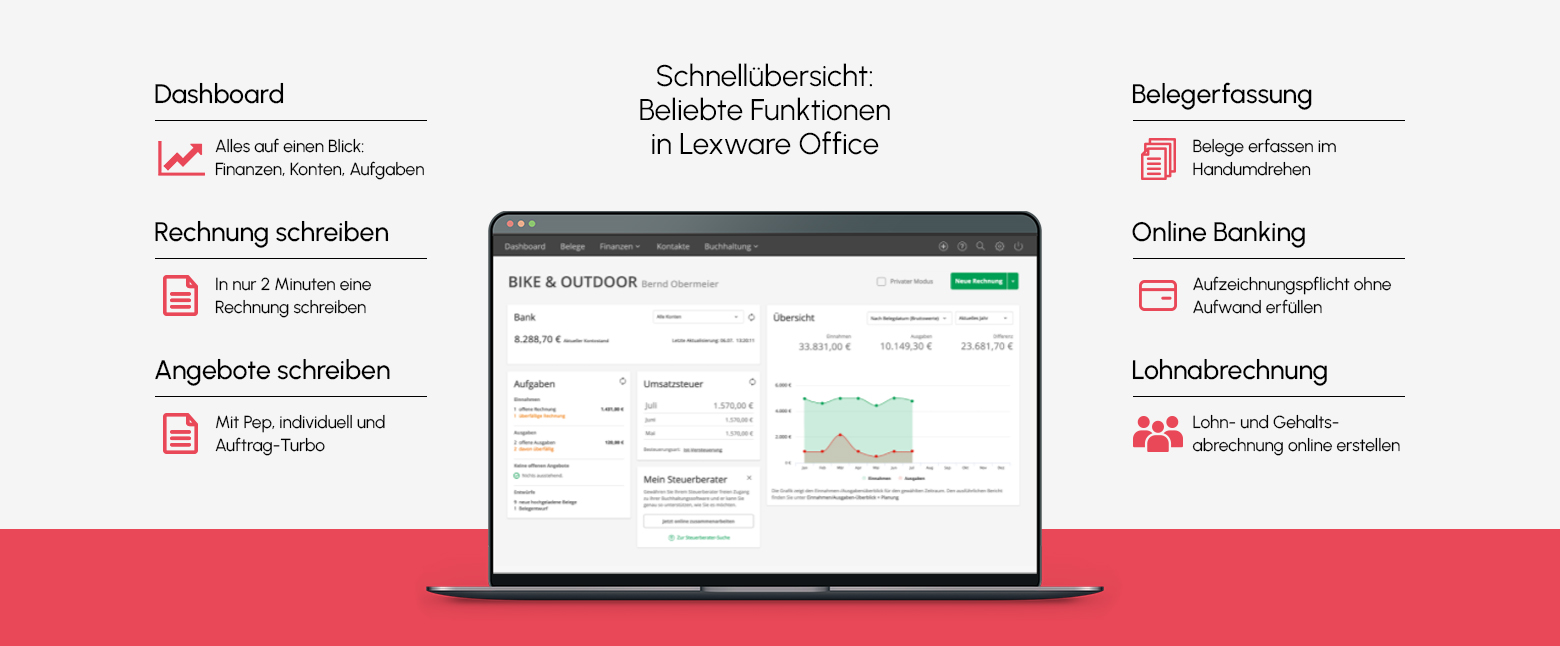
What is Lexware Office?
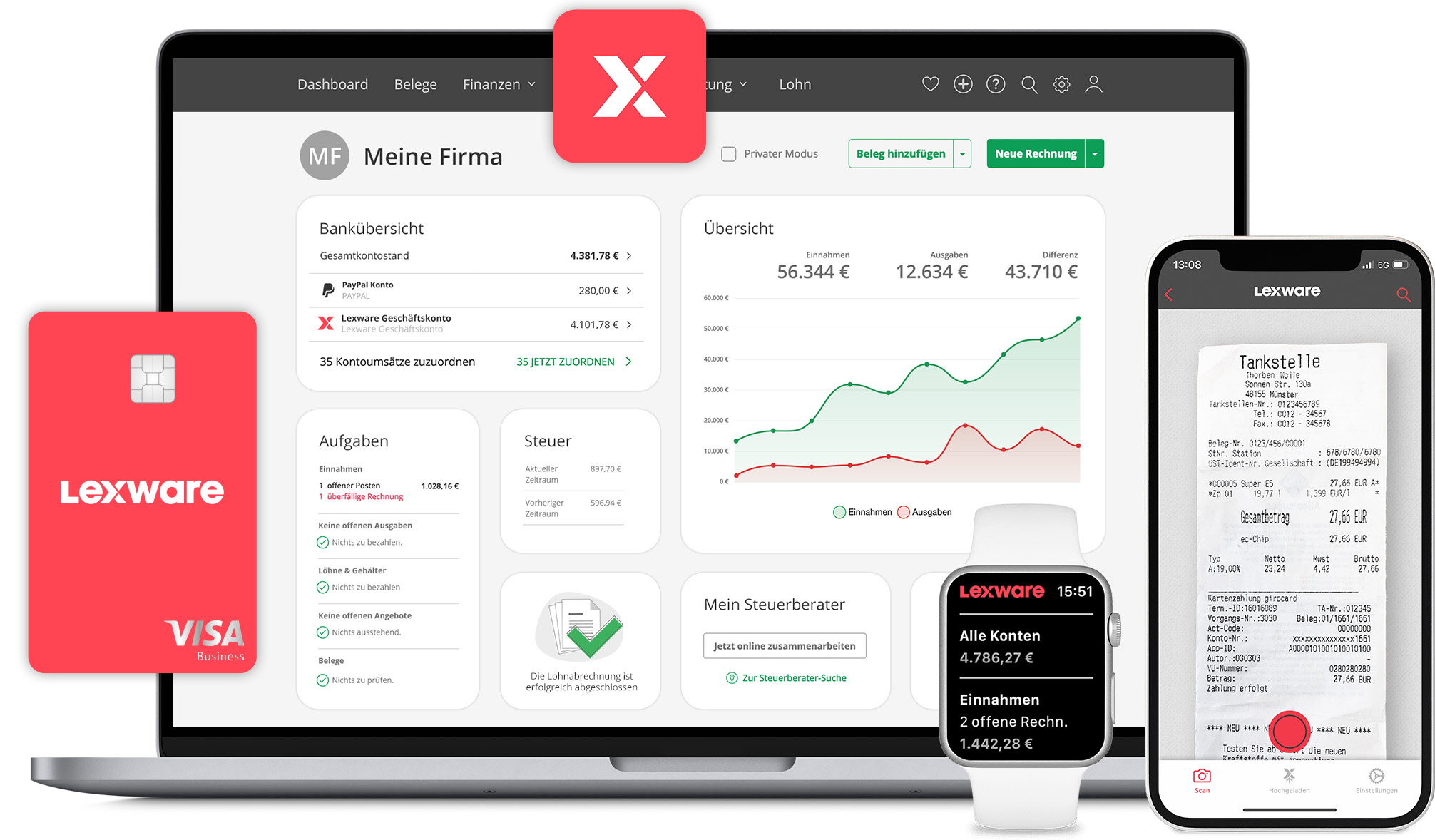
With Lexware Office a large part of the accounting is handled automatically.
Invoices, payments and bank transactions are intelligently linked so that you always have an overview.
Through the integrated payment reconciliation, you immediately see which payment belongs to which document. Manual reconciliation of bank statements is no longer necessary.
Lexware Office handles many processes in the background, freeing up more time for what really matters.
Key benefits at a glance:
Significant time savings on administrative tasks such as invoicing or payroll
Automatic payment reconciliation through integrated online banking
Easy to use even without accounting knowledge
Access from anywhere via app, smartphone, tablet or desktop
All financial processes in one system such as invoicing, taxes, banking and accounting
GoBD compliant and recognized by the tax office
GDPR compliant and legally secure
Developed by established provider Lexware with many years of experience
How Lexware sensibly complements your debt collection
Even the best accounting cannot prevent invoices from being paid late or not at all. This is exactly where debt collection becomes relevant. While Lexware Office shows you which receivables are outstanding, Debtist ensures that they are consistently pursued.
Without any media breaks and without additional manual effort, a clear next step in the process is created. This way nothing gets left behind and outstanding receivables are not simply written off but actively processed. That not only provides more structure but above all more stable incoming payments.
How does the integration work?
The collaboration between Lexware Office and Debtist follows a simple principle.
- 1
Create invoice
You create your invoices as usual in Lexware Office.
- 2
Payment does not arrive
Outstanding receivables become visible and traceable in your accounting.
- 3
Handover to Debtist
If a payment fails to arrive, you can easily hand the receivable over to Debtist and have it pursued further.
This creates a seamless process without additional tools or complex adjustments.
Lexware Office direkt kennenlernen
Die einfache Lösung für digitale Buchhaltung und Rechnungsmanagement.
Wie Lexware Dein Inkasso sinnvoll ergänzt
Auch die beste Buchhaltung kann nicht verhindern, dass Rechnungen verspätet oder gar nicht bezahlt werden. Genau an diesem Punkt wird Inkasso relevant. Während Lexware Office Dir zeigt, welche Forderungen offen sind, sorgt Debtist dafür, dass diese konsequent weiterverfolgt werden.
Ohne Medienbruch und ohne zusätzlichen manuellen Aufwand entsteht ein klarer nächster Schritt im Prozess. So bleibt nichts liegen und offene Forderungen werden nicht einfach abgeschrieben, sondern aktiv bearbeitet. Das sorgt nicht nur für mehr Struktur, sondern vor allem für stabilere Zahlungseingänge.
Wie funktioniert die Integration?
Die Zusammenarbeit zwischen Lexware Office und Debtist folgt einem einfachen Prinzip.
- 1
Rechnung erstellen
Du erstellst Deine Rechnungen wie gewohnt in Lexware Office.
- 2
Zahlung bleibt aus
Offene Forderungen werden in Deiner Buchhaltung sichtbar und nachvollziehbar.
- 3
Übergabe an Debtist
Wenn eine Zahlung ausbleibt, kannst Du die Forderung unkompliziert an Debtist übergeben und weiterverfolgen lassen.
So entsteht ein durchgängiger Prozess ohne zusätzliche Tools oder komplexe Umstellungen.
Frequently asked questions about our Lexware integration
If you do not yet have a Debtist account, register first for free. Then open in the Debtist dashboard My account > Settings > Integrations, choose Lexware and click on „Manage connection". You will be redirected to Lexware, log in there, select the relevant company and grant Debtist access to the required information. The integration is set up within a few minutes.
Ready to get started?
Experience Lexware Office now